


House of pain
A website with workouts, meal plans, and useful articles about health
Goals
The goal of the project was to develop a custom digital space for online fitness from scratch.
The main focus was on combining a unique visual style with high functionality: we created an intuitive ecosystem for workouts, nutrition plans, and useful content.
The project aims to maximize user engagement through modern UX/UI design that conveys brand values and ensures high platform performance.

Objectives:
- Developing a website structure that meets business needs.
- Creating a prototype that takes user experience into account.
- Designing the interface in line with corporate style.
- Implementing responsive design for correct display on different devices.
- Optimizing the website for fast loading and high performance.

Project team
1x Project Manager
2x Web-designer UX/UI
1x Front-end developer
1x Back-end developer
One of the main tasks
The key requirement of the project was to develop a smart player for training that would not only ensure a comfortable experience for users but also protect content from unauthorized downloading.
We sought to create a solution that would allow for easy scaling of the training library, quick program updates, and complete control over content.
Training builder instead of static videos
Instead of the classic approach with ready-made video workouts, a flexible workout builder was implemented in the admin panel.
The solution is based on a single database of exercises, which includes:
- videos demonstrating how to perform each exercise;
- audio instructions and voice prompts for different scenarios;
- parameters for duration, repetitions, and type of execution.
This allows the trainer or platform administrator to quickly create new workouts by simply combining exercises without having to edit videos or prepare separate files for each program.
Support for different workout formats and templates
The builder allows you to create different types of workouts:
- by number of repetitions;
- by execution time;
- combined formats.
In addition, ready-made superset templates have been implemented, including:
- Tabata,
- EMOM,
- other interval and cyclic formats.
All you need to do is fill in the exercises, and the system will automatically generate a complete workout with the correct logic of transitions, pauses, and prompts.
How content protection works
One of the key challenges was protecting workouts from being downloaded.
We deliberately moved away from the “one workout — one video file” format. Instead, each workout is dynamically assembled during playback.
What this means in practice:
- The workout does not exist as a single file that can be downloaded.
- Exercise videos are played separately as visual accompaniment.
- Audio prompts are not a continuous track, but a set of voice clips that are triggered at the right moments.
- The playback logic (when and what should be played or changed) is calculated by the system in advance.
As a result, the user receives a complete workout, but it is technically impossible to compile it into a single file and download it.
Result
The result was the creation of:
- A smart player adapted specifically for training content.
- a convenient constructor for quickly creating programs;
- a scalable library of exercises and voice instructions;
- reliable content protection without compromising the user experience.
This solution is ideal for trainers, studios, and online platforms that want to control their content, quickly launch new workouts, and protect their expertise.



Prototype

Design
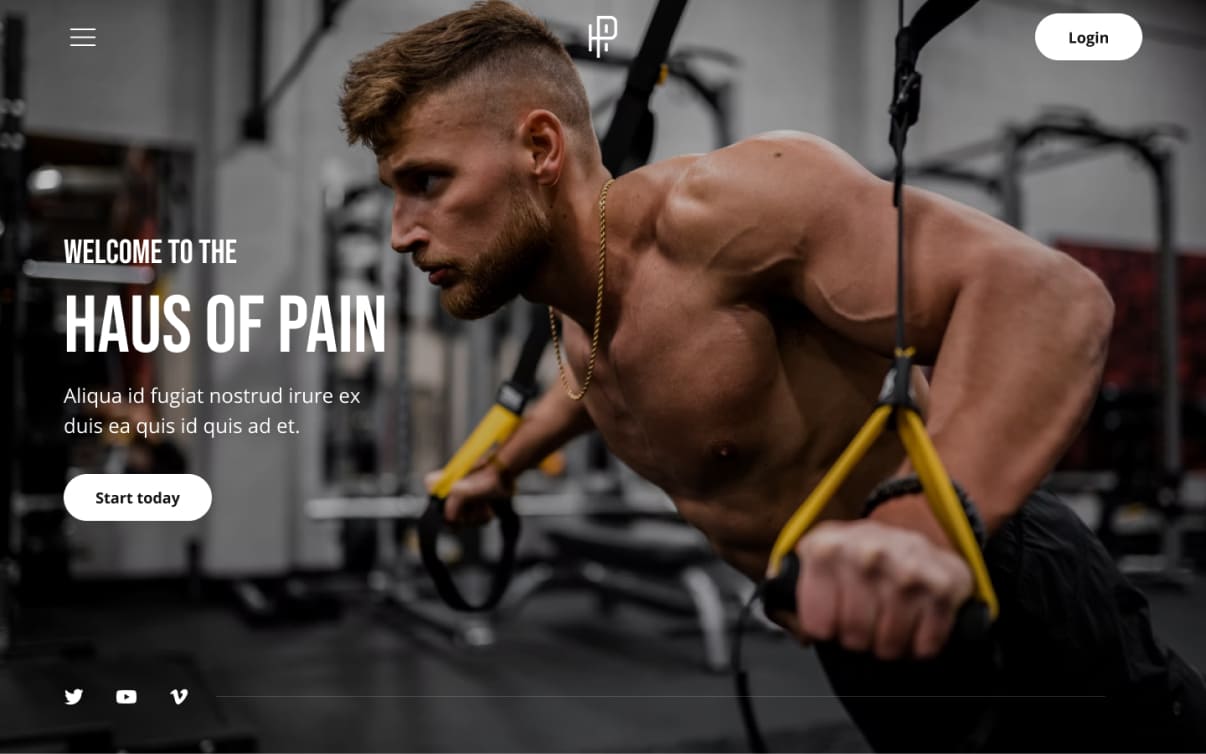
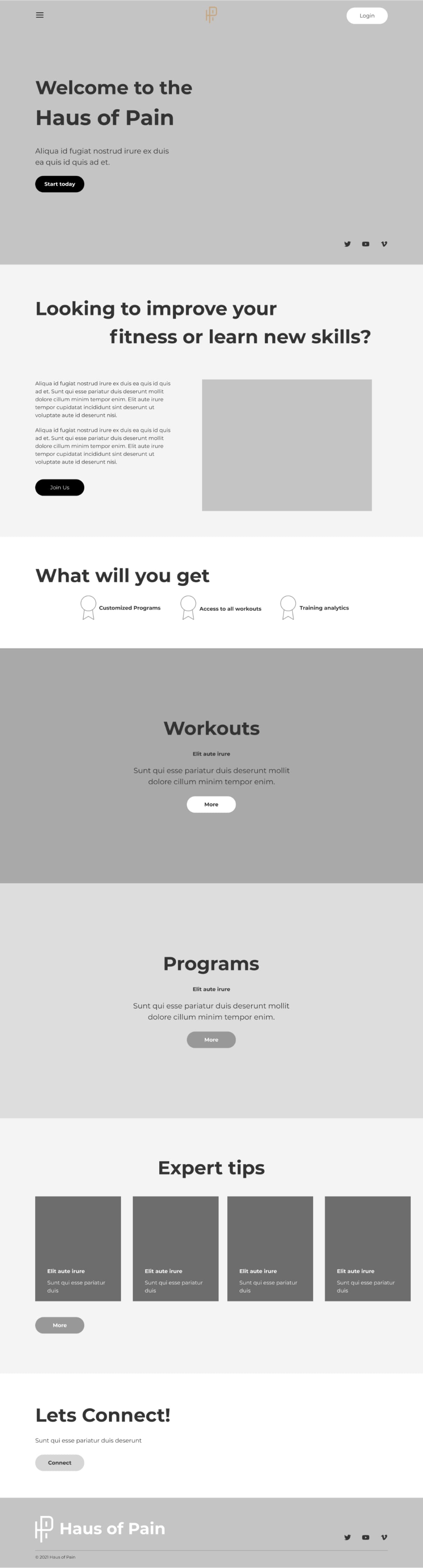
Home page
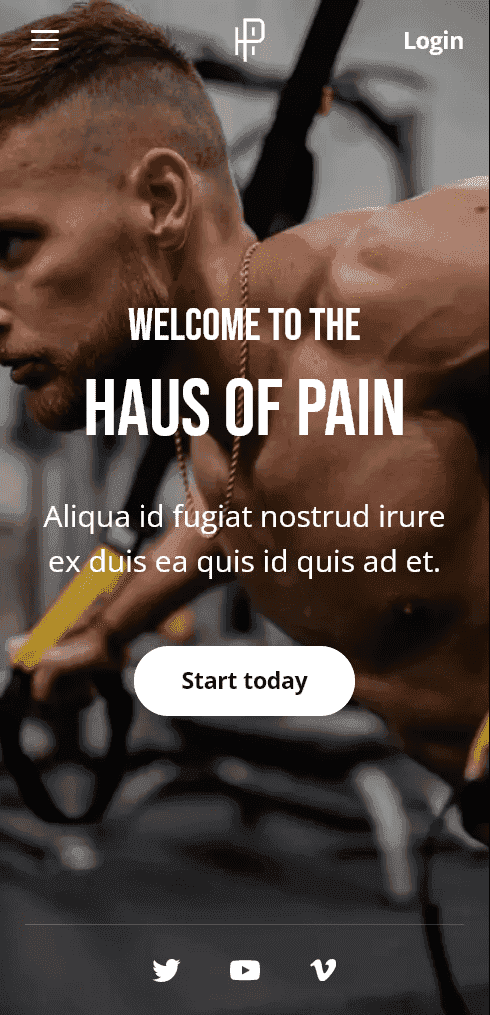
The home page has a concise header, but all the necessary information is available in the hamburger menu. A traditional but effective move is to use a training photo in the background, which immediately evokes the right association. Social networks are used to quickly attract visitors to the community and establish long-term communication.
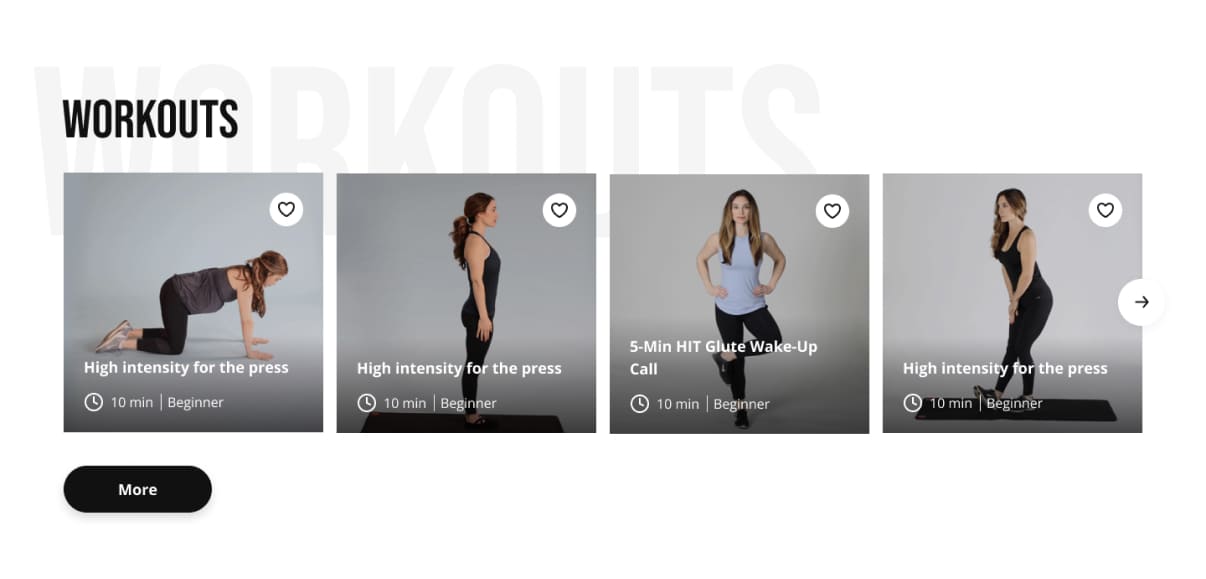
Workouts
The most popular and readily available workouts, which can be easily accessed immediately after opening the website. This is a trial session pattern, after which the user will want to continue training, possibly in the paid version of the website.
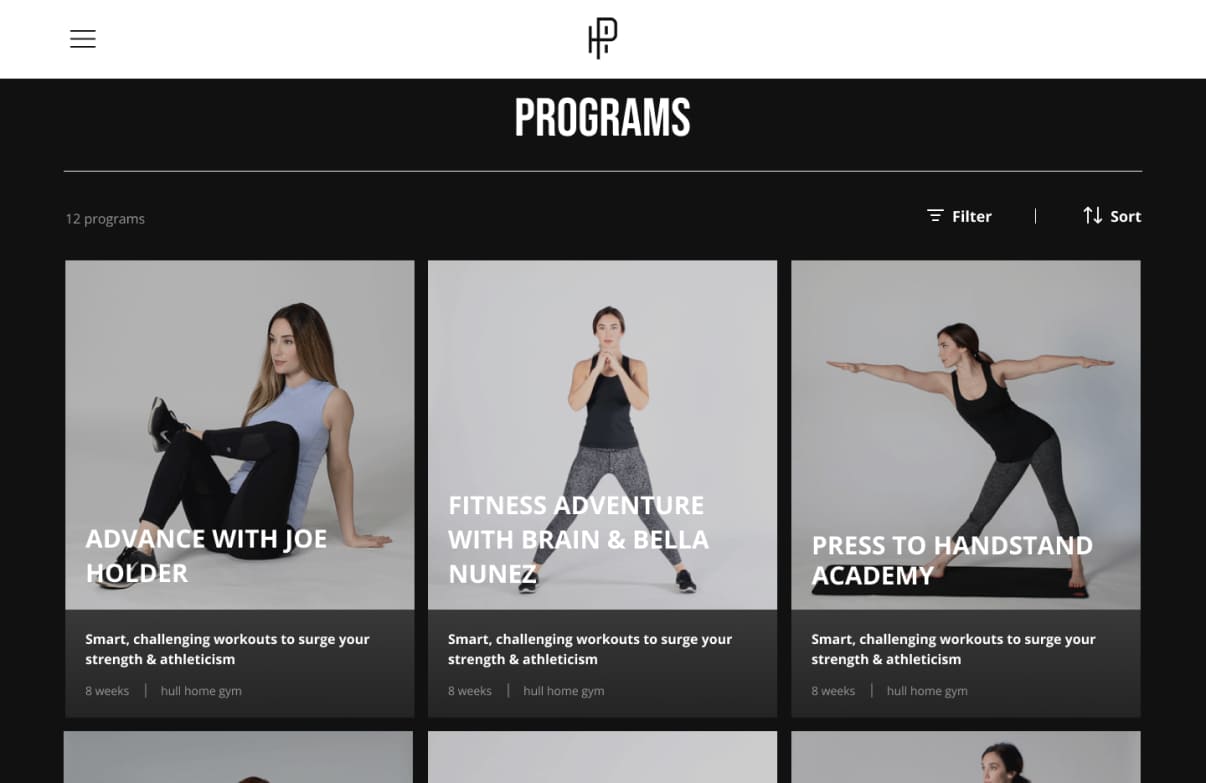
Training programs
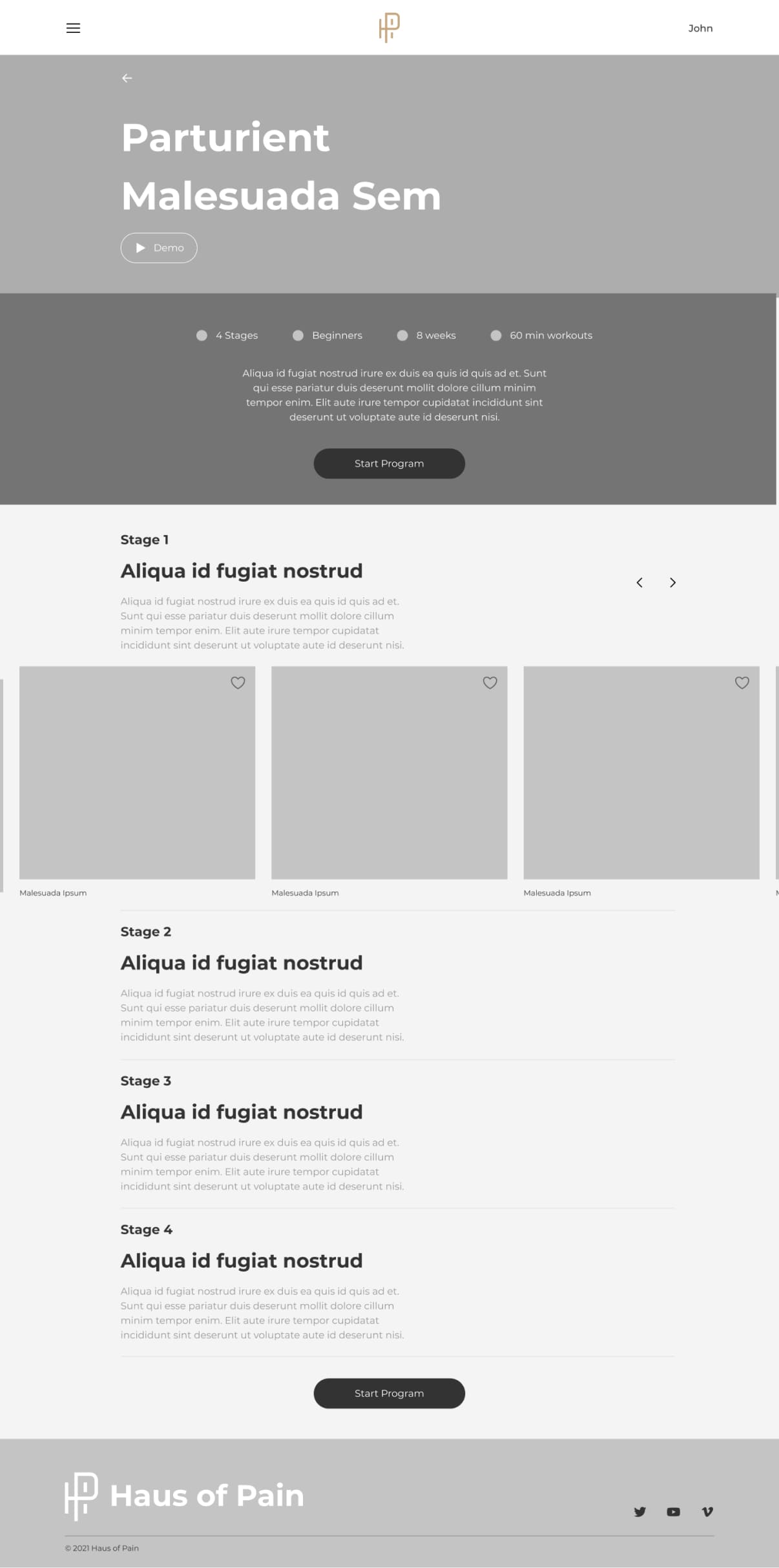
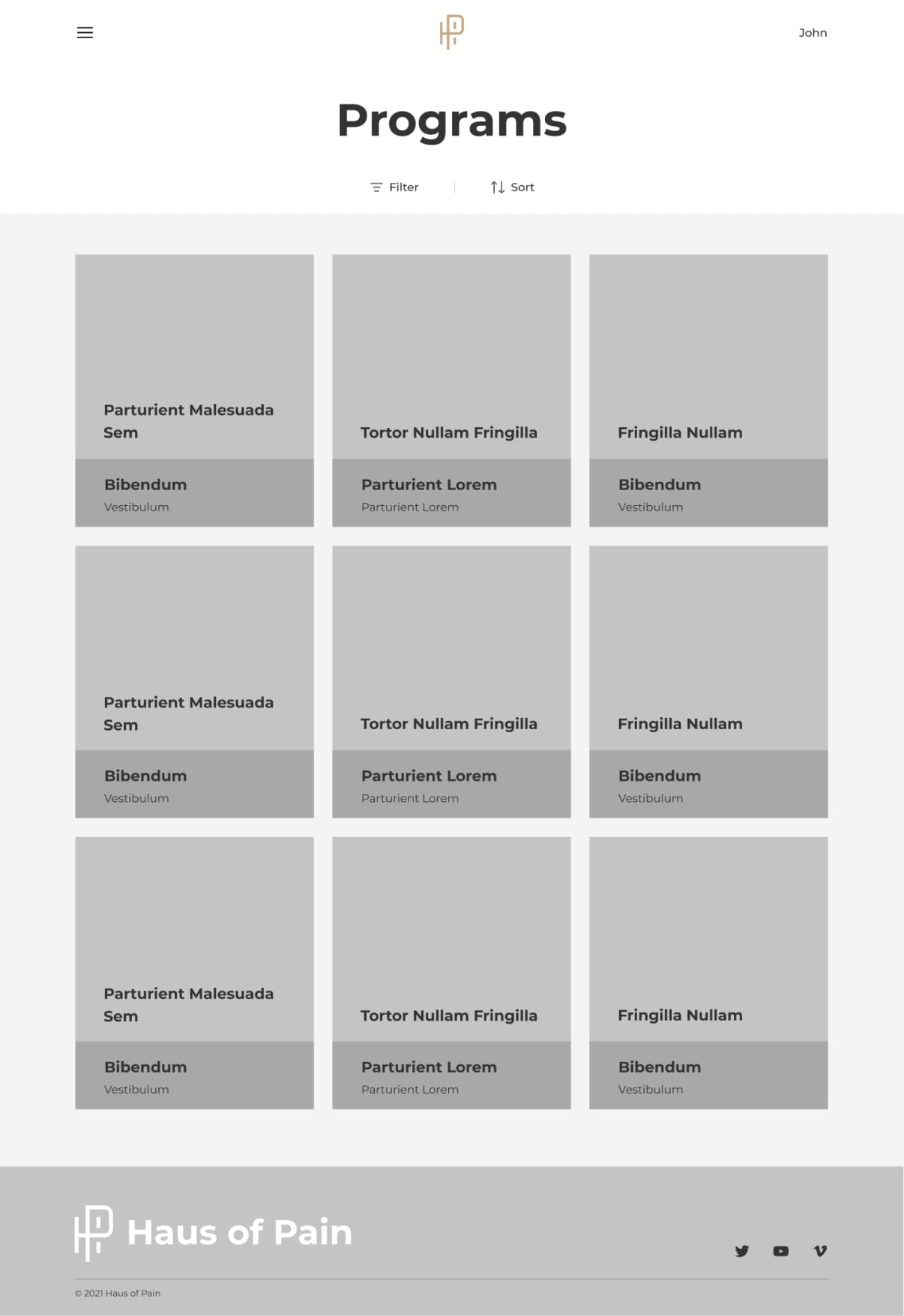
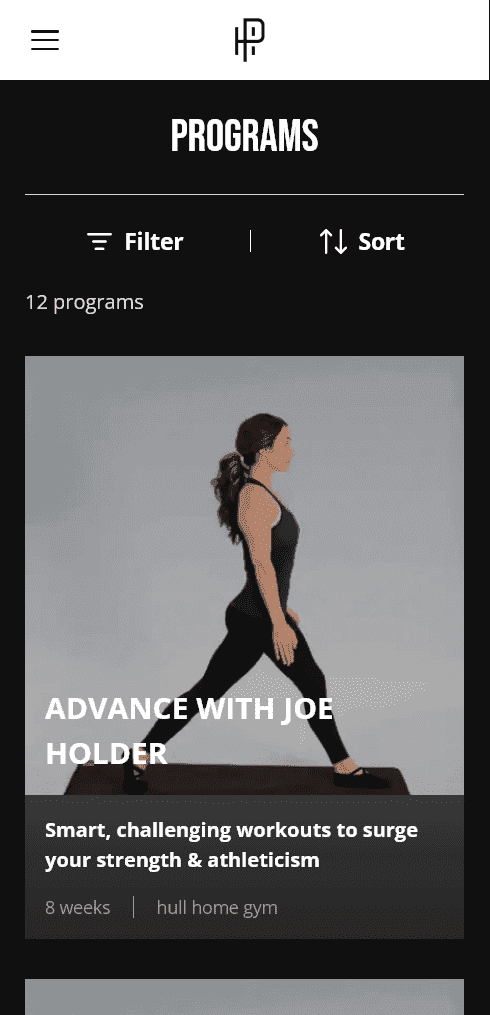
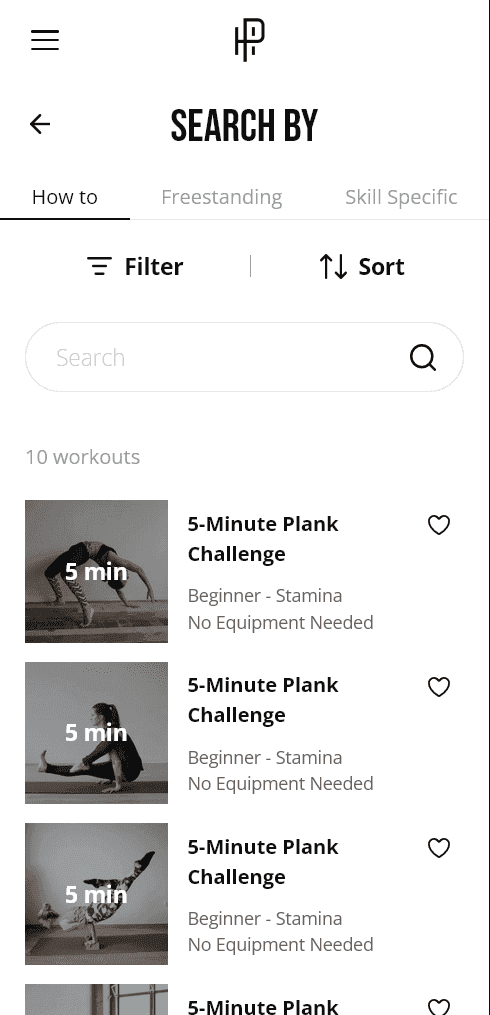
There are several types of essential workouts that are suitable for anyone. You can filter, sort, and customize your search. In addition to the name, we immediately see the duration of the program, the equipment required, and examples of exercises.
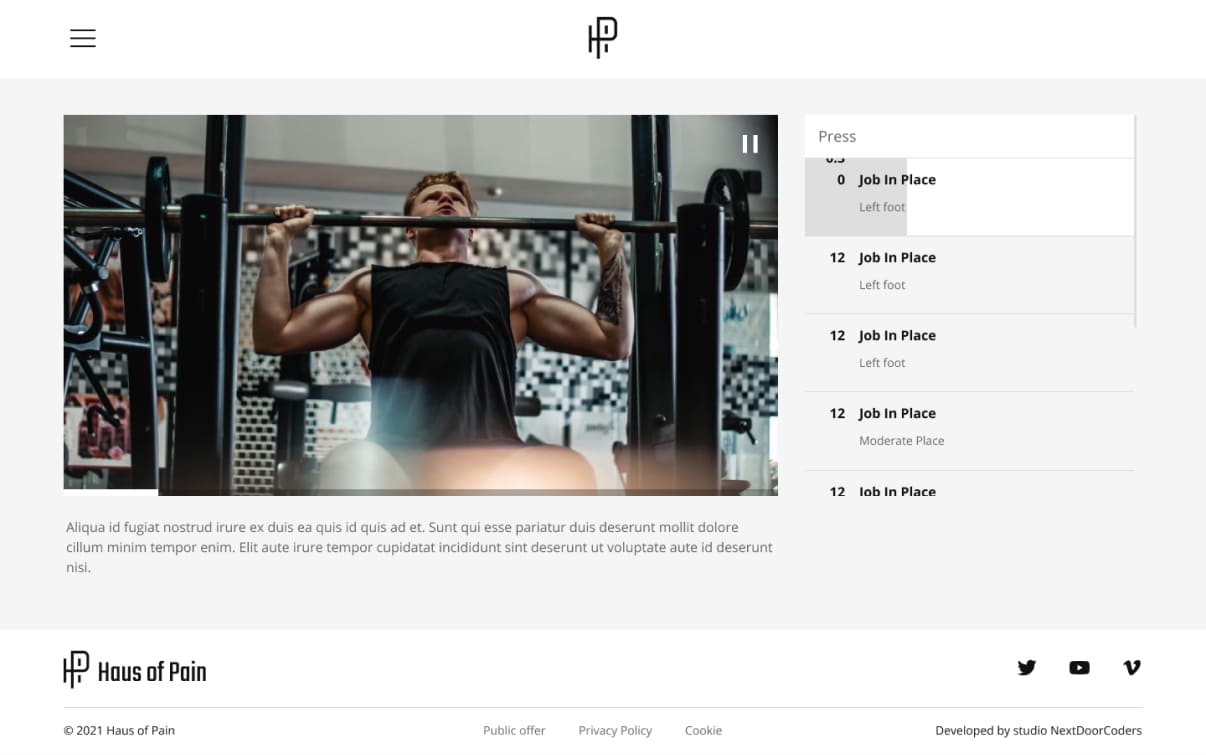
Training page
The page contains a video, its description, and convenient timecodes on the right to make it easy to perform the exercises in sync.
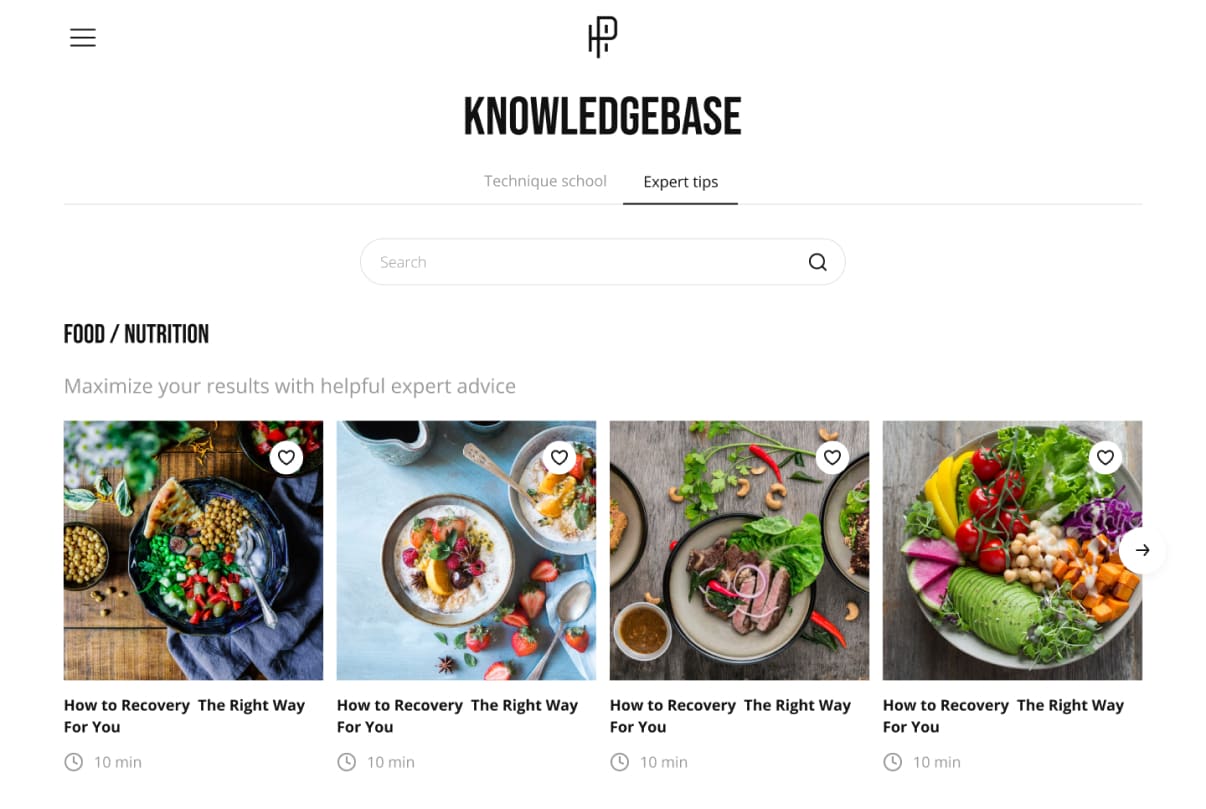
Knowledge page
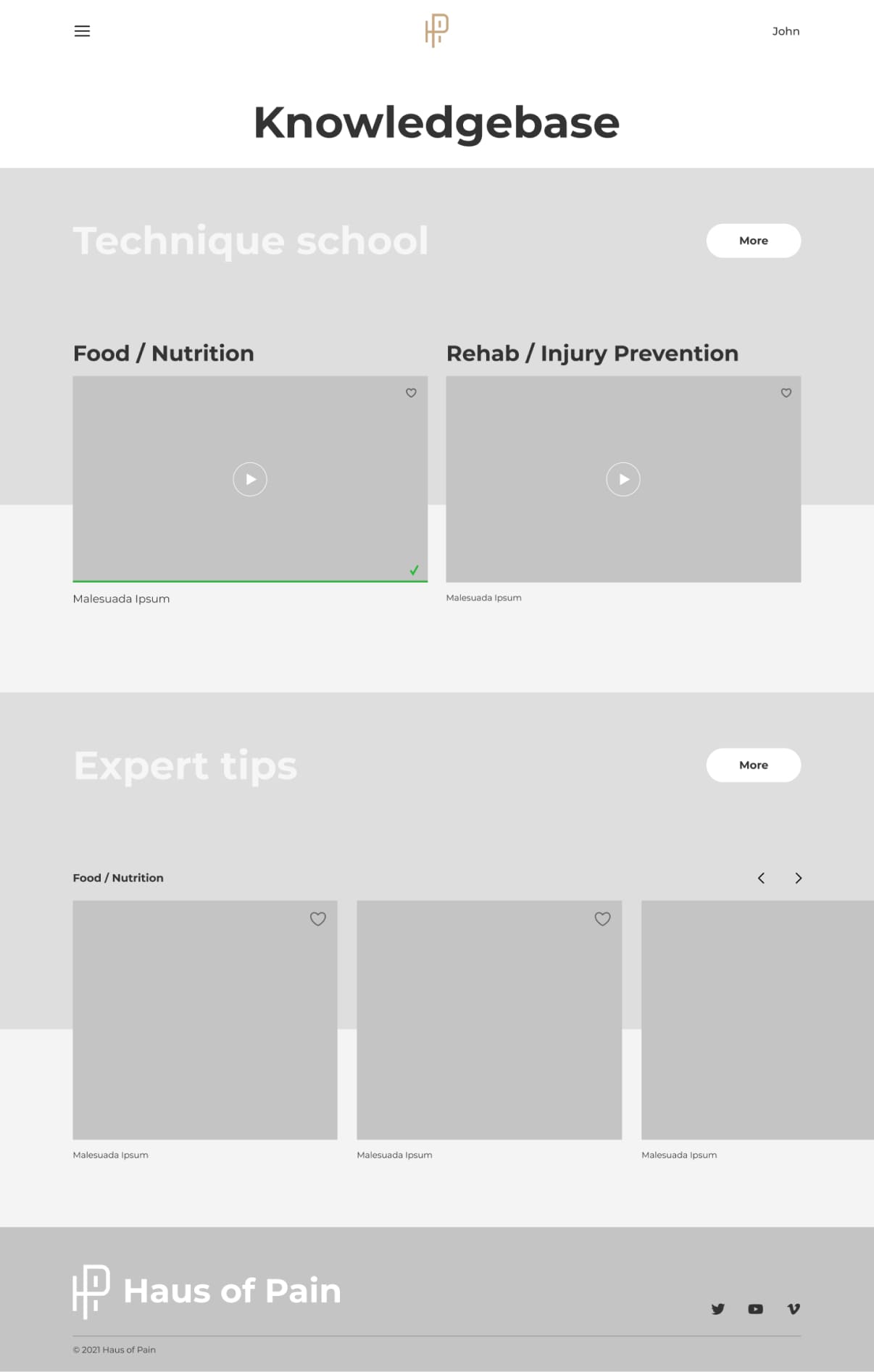
A useful place for those who want to learn more about nutrition, medicine, training balance, etc. For example, in the nutrition section, you can find interesting articles on popular topics that will help you on your way to your goal.
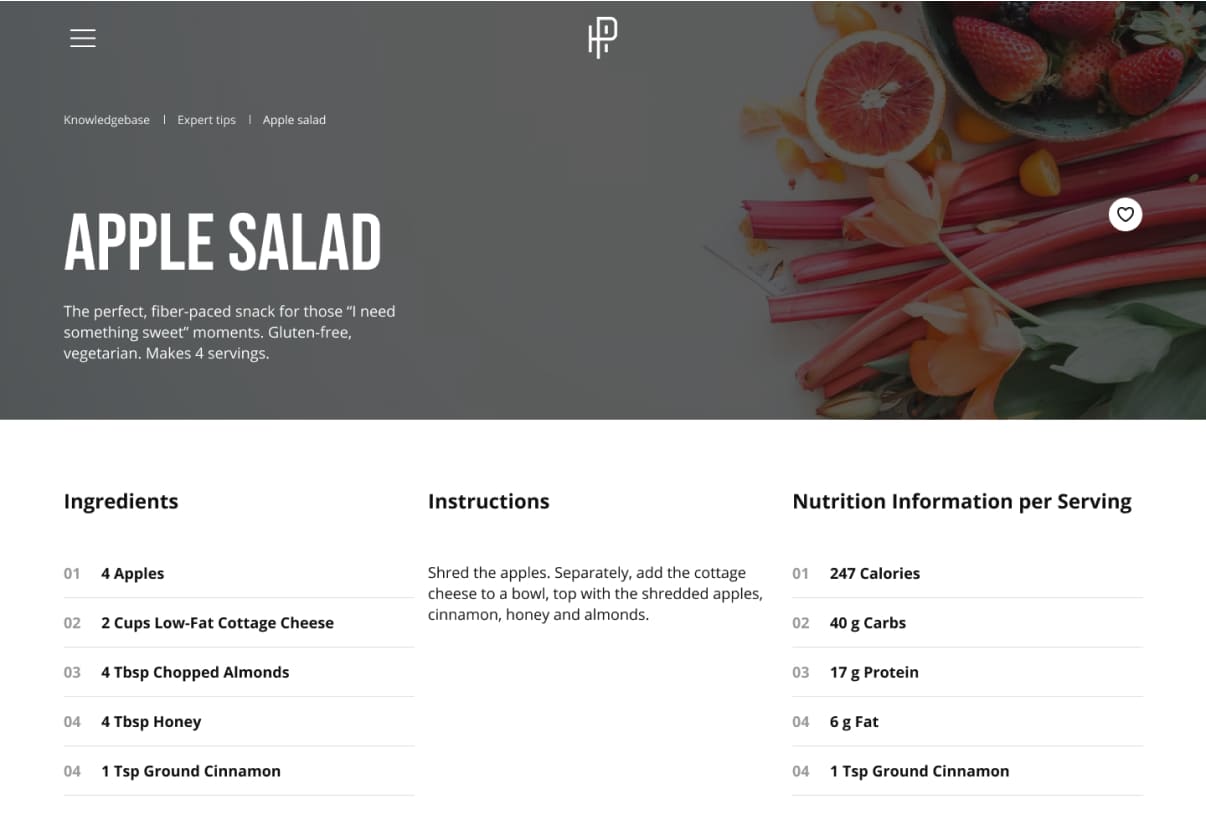
Recipe page
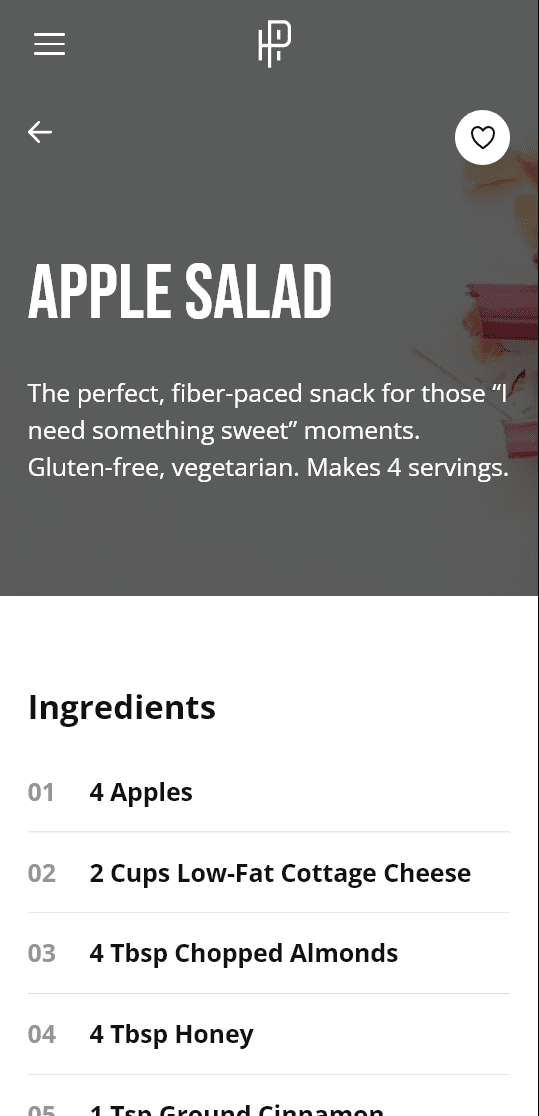
It was a great idea to post a variety of healthy recipes directly on the website. We can see the ingredients, instructions, calorie count, and an approximate picture of the dish.
Price list
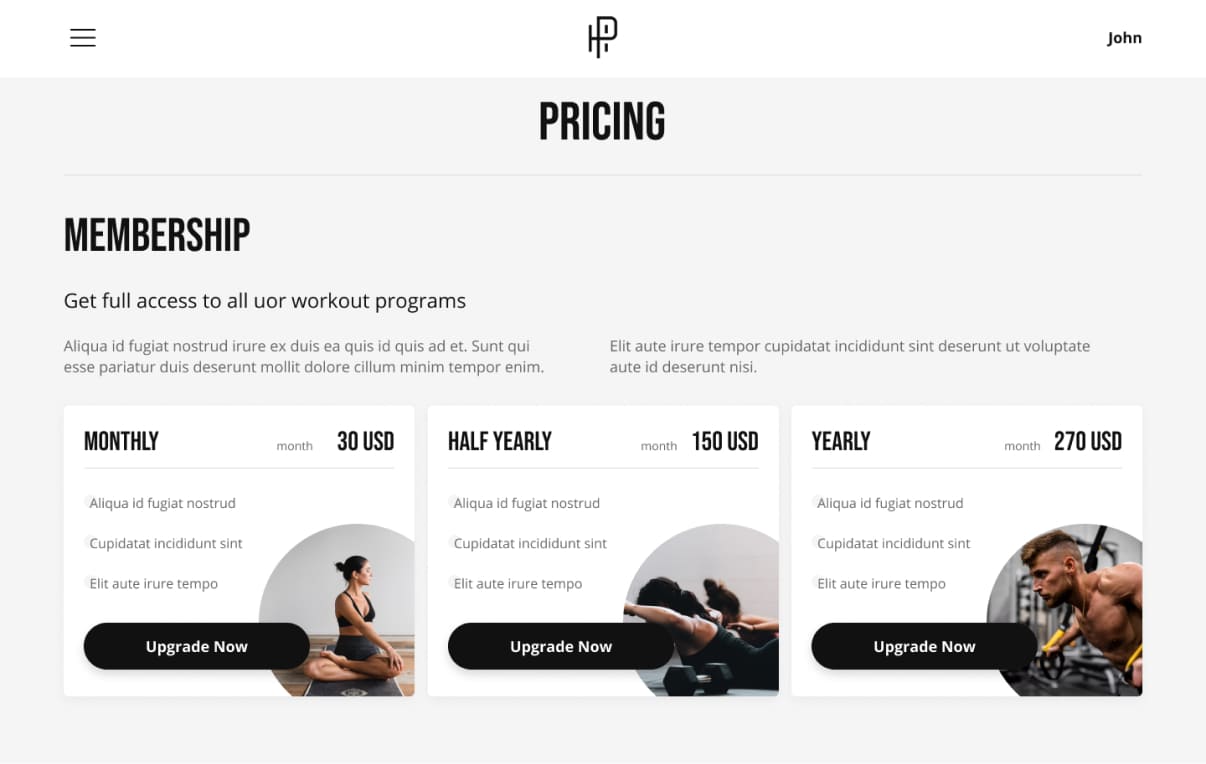
A page for choosing a convenient subscription and training plan. All the benefits are listed on the cards, and it is possible to pay for six-month or annual plans on a monthly basis, which is quite convenient for different users of the site.
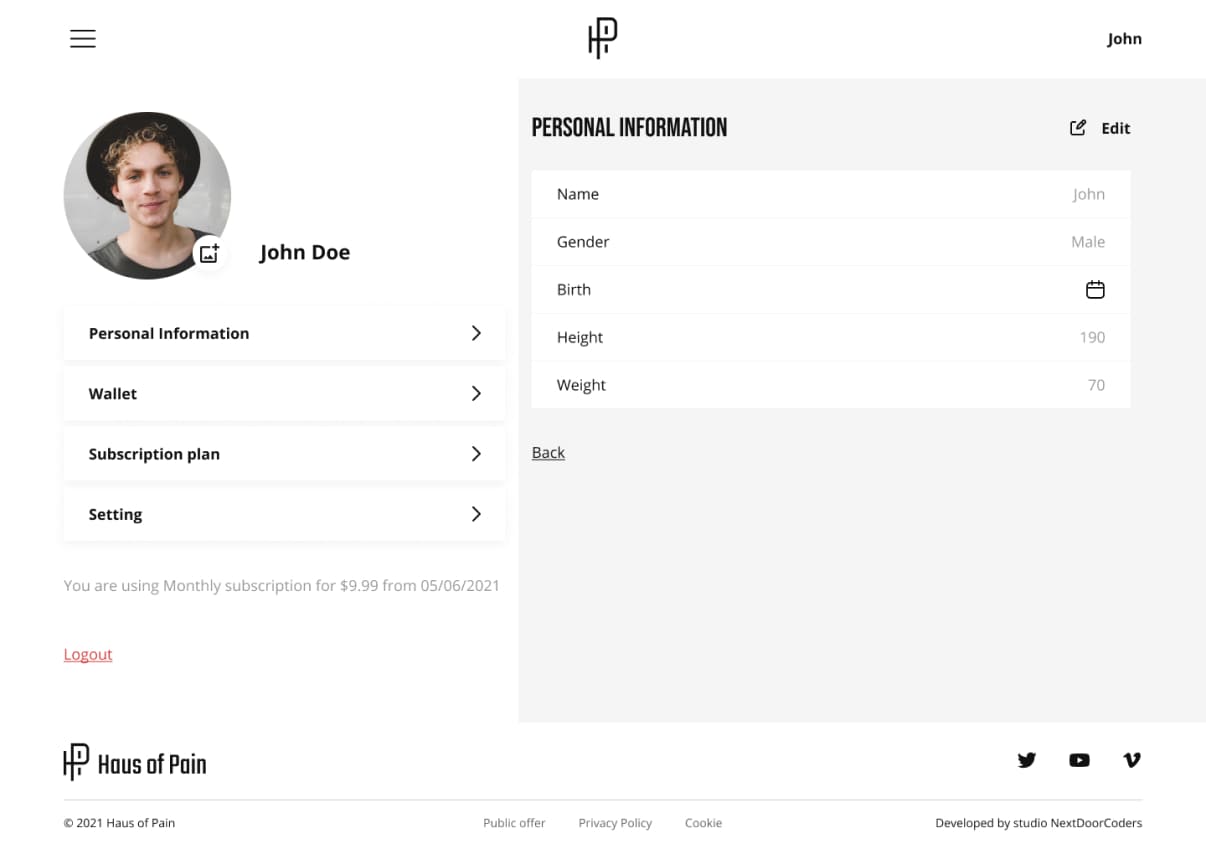
Personal account
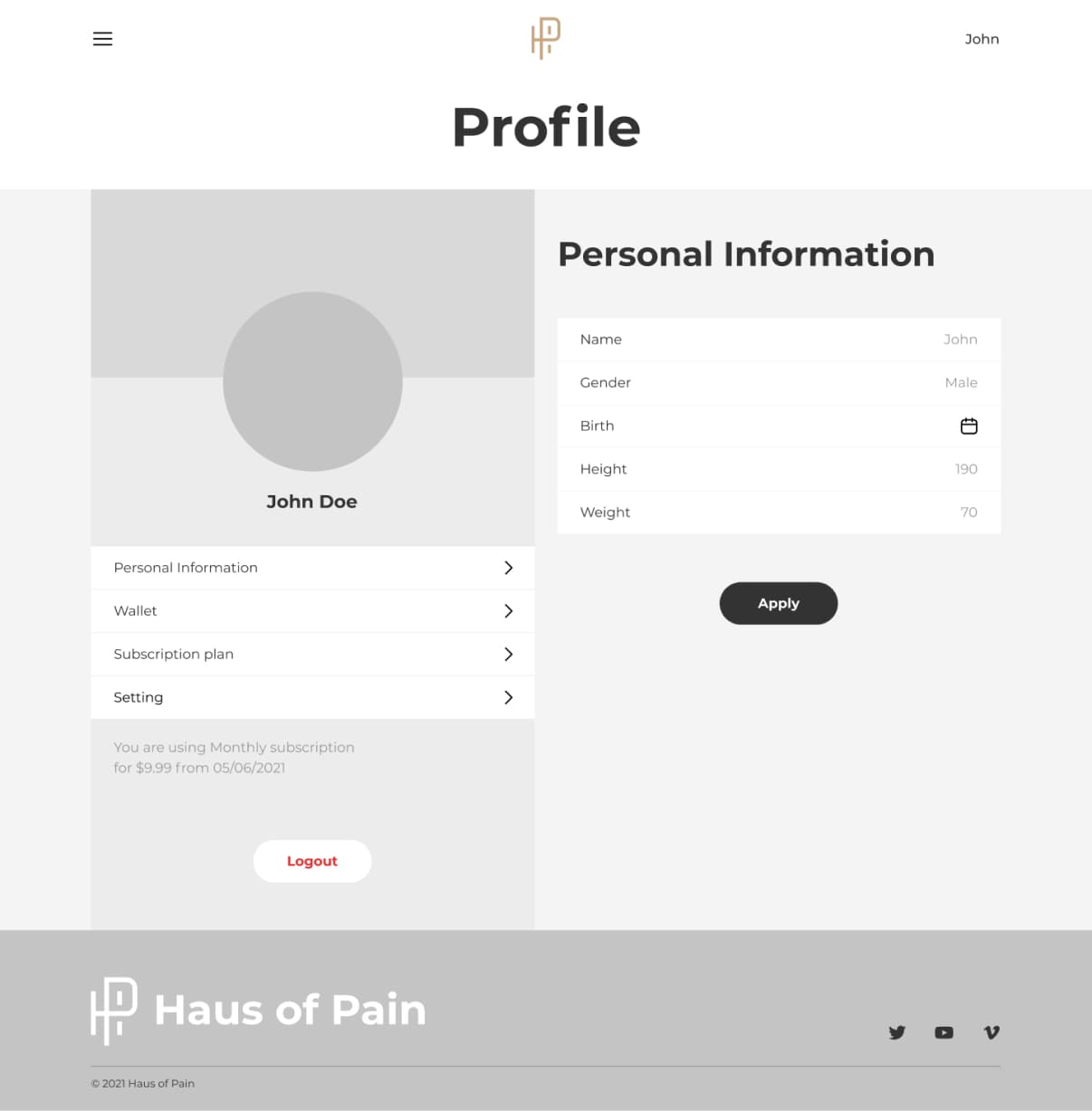
Here we see a side menu containing personal information, wallet, subscription plan, and settings. All the necessary tools for a positive user experience.
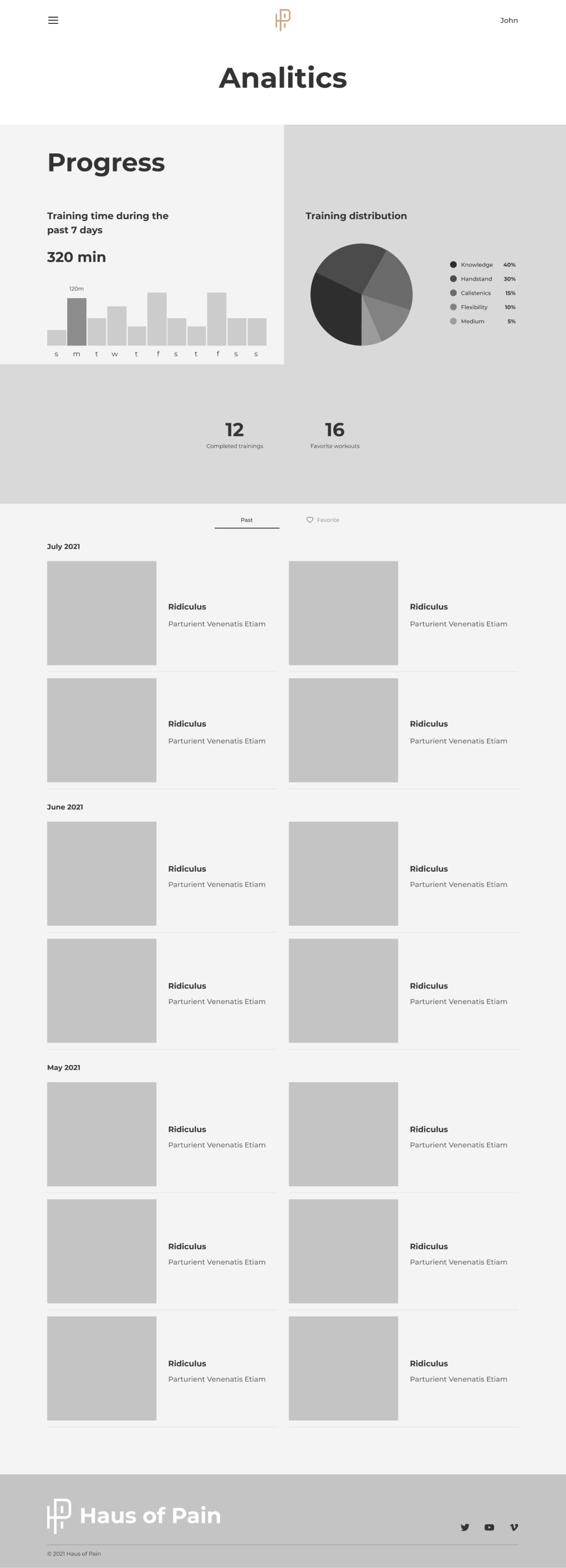
Analytics page
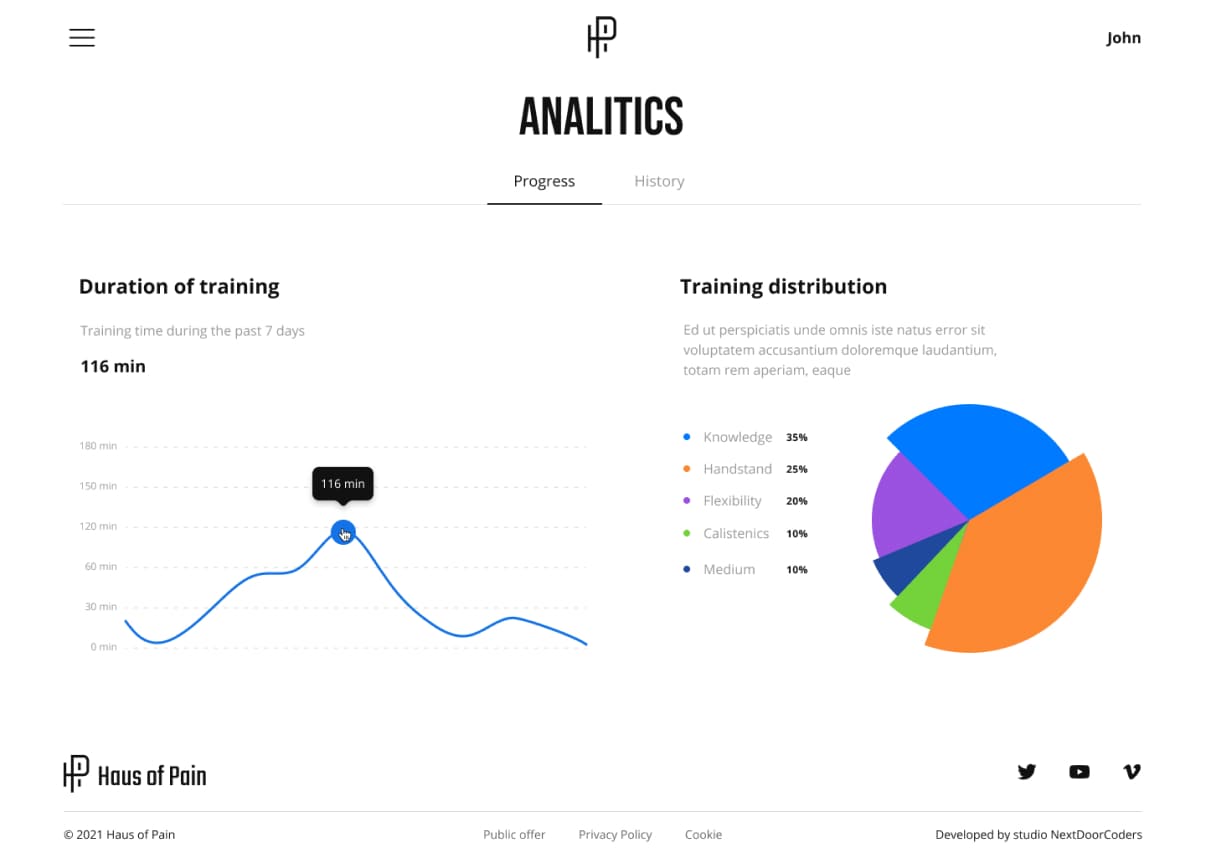
There are two tabs on the page: progress and training history. On the progress tab, for example, you can track training times over different periods and percentage loads.
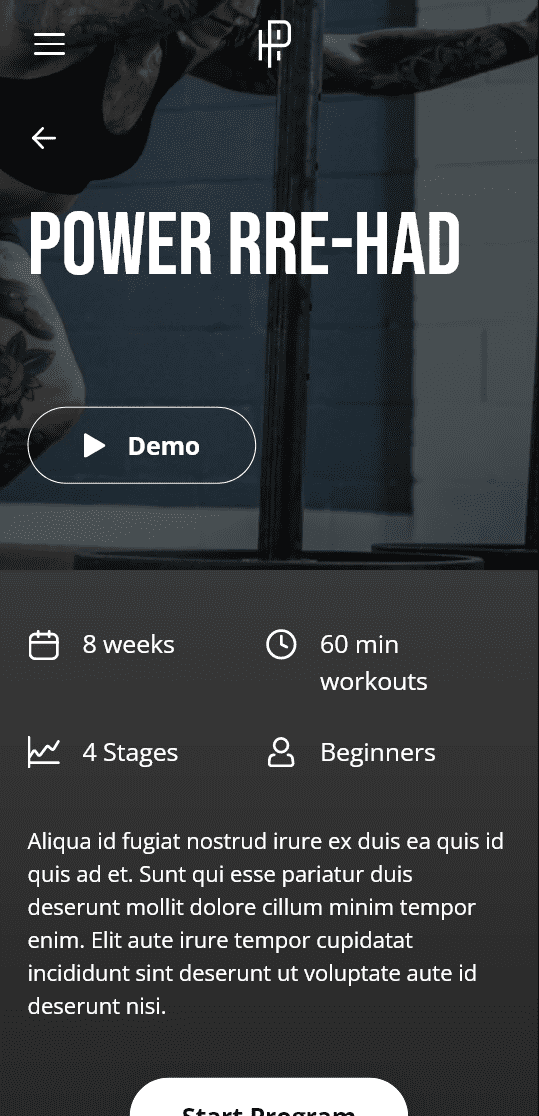
Adaptive design

Technologies used


Can we talk about the project?
A cool project starts with filling out this form.